Time & Attendance · Kiosk
For staff without phones: one tablet at the location is enough.
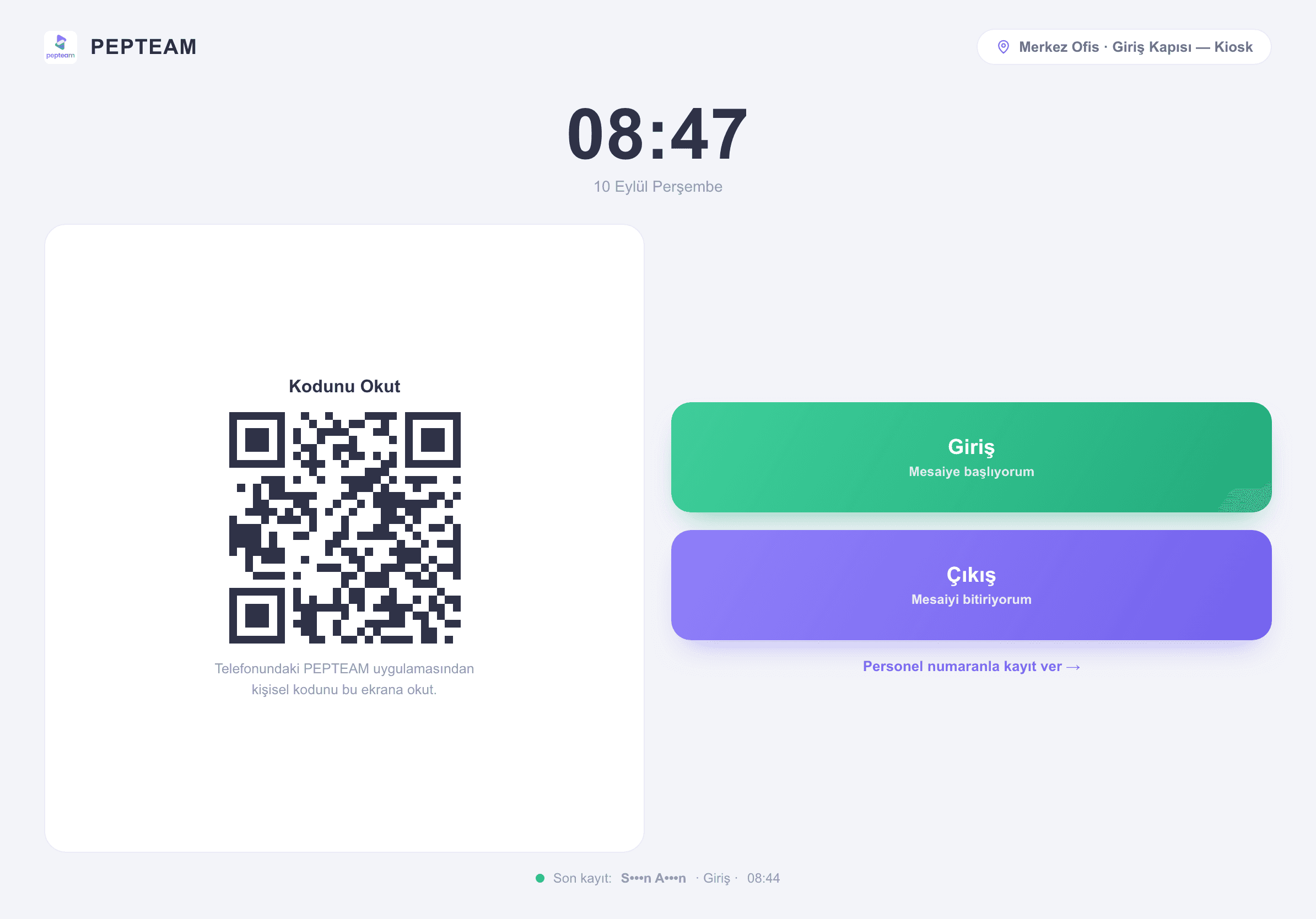
The shared device at the entrance runs in kiosk mode; everyone clocks in in turn, and the records land in the same report as the mobile ones.
No personal device required
Employees without smartphones — or who leave them at home — are still on record.
No turnstile costs
No card system to install; a tablet at the location becomes the kiosk.
One report, one truth
Kiosk records meet mobile records in the same Shift Daily Report; no merging of two lists.
A shared device, in kiosk mode
The location's tablet is switched into kiosk mode; the device serves clock-in only — no wandering into other screens.
Step up, clock in
At the start of the shift the team clocks in in turn; each entry takes seconds, no queue builds at the door.
Records land instantly
A kiosk clock-in shows up in the Shift Daily Report immediately — side by side with mobile records, filtered the same way.
Anchored to the location
A kiosk record comes from that location's device; the answer to "where was this clock-in?" is the device itself.
How it's used in the field
The tablet at the factory gate serves all three shifts; recording continues even where phones are banned.
The kiosk in the site container registers subcontractor crews; the foreman's notebook retires.
The device at the site entrance takes the team's clock-ins; scattered staff enter the record at one point.
Frequently asked questions
No. A tablet or shared device at the location is switched into kiosk mode; no turnstiles, readers or wiring.
No. They land in the same Shift Daily Report as mobile records and filter in one list.
Yes. Staff with phones use the app; staff without use the kiosk. The two work side by side.
A kiosk entry is made from the location's device with the user selected; each record keeps who it was for and which device it came from.