Solutions · Logistics
Close the warehouse shift and the vehicle dispatch on one screen.
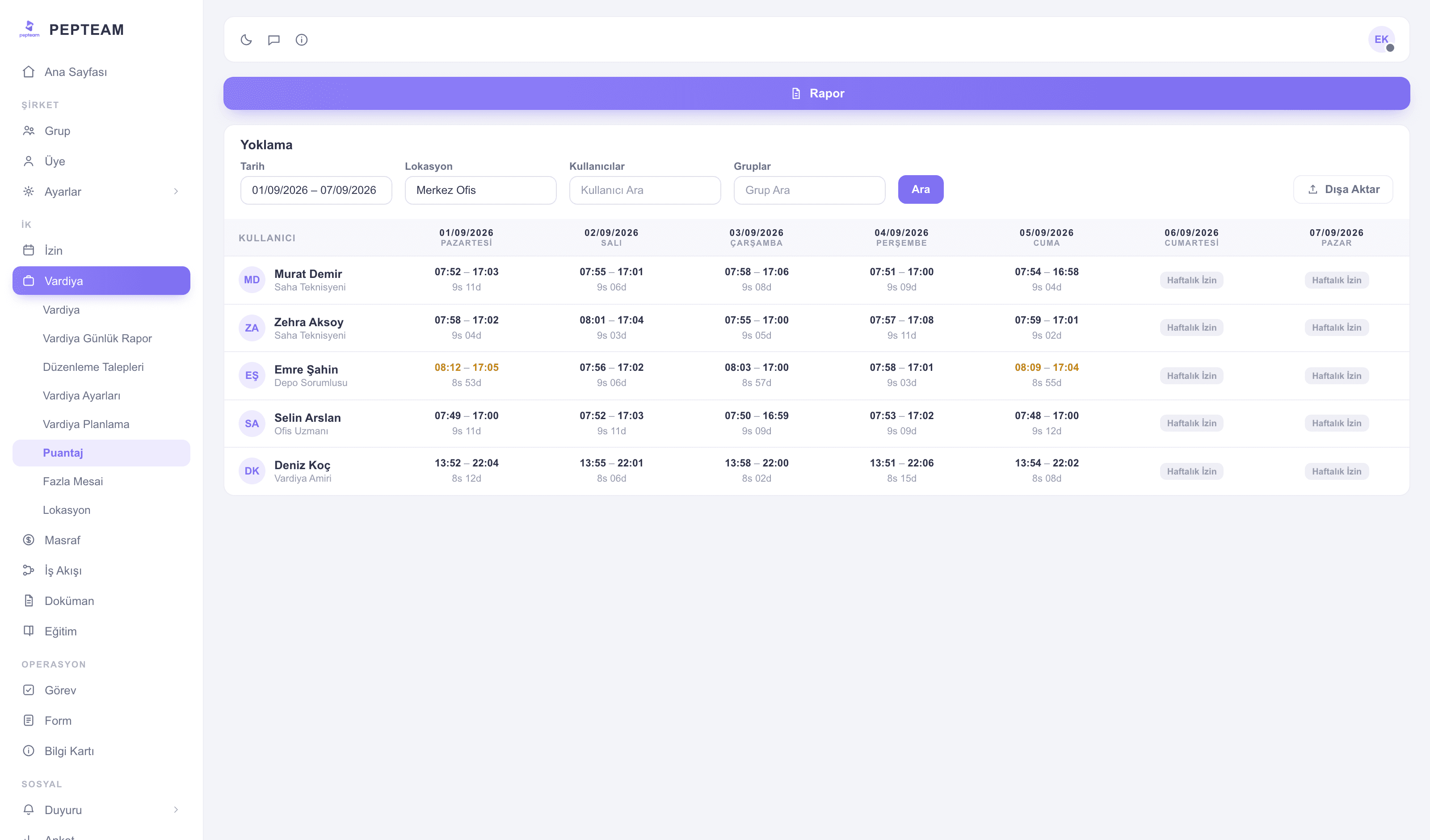
Shifts assign from templates, clock-ins happen at the warehouse, dispatch checks run on forms at the ramp; the season's overtime accumulates day by day.
Scenarios
Shifts shaped by the warehouse
The day-night pattern lives in a template; when the season opens, the plan assigns in bulk by location and group.
Dispatch on a form
Before the driver leaves the ramp, the checklist is filled; damage and shortages go on record before the road.
Overtime without surprises
Busy weeks' out-of-plan hours show on the Overtime screen day by day; the month-end payroll item isn't argued.
Shift notes reach everyone
A dispatch change reaches all three shifts as an announcement; the unread show on a list, and critical notes don't fade on a board.
Modules used in this field
Frequently asked questions
Warehouse and dispatch run as separate groups; shifts, announcements and reports flow per group.
Yes; define your own checklist with its items in the Forms module — photos included.
Nobody, manually: clock-ins land by QR/location and sit in the Shift Daily Report by morning.
Same day, with the invite code: install, enter the code, get assigned to a shift.